Agent models without committing to a single provider
What are agent models and why they matter
Agent models are the underlying ai model instances that power conversational agents, automation workflows, and retrieval-augmented tasks. Teams choose agent models to balance cost, latency, accuracy, and access to specialized capabilities like instruction following or safety filters. For business users deciding between providers, understanding differences in latency, token usage, and middleware integration matters for ROI and developer time.
Selecting the right ai model affects: response quality, hallucination risk, and tool usage. An agent platform that supports multiple agent models lets product teams run comparisons and switch providers without rewriting prompts or workflow logic.
How a multi-provider canvas solves common problems
- Rapid experimentation: compare OpenAI, Anthropic, and Google models side-by-side for the same workflow.
- Non-technical editing: change the ai model per subagent from a visual inspector, no JSON required.
- Offline testing: use a built-in fake offline model to test flows without API spend.
- Pick a model for each subagent. 2. Wire tools, retrieval, and human review. 3. Test in the Playground with live token meters.
Expert tip: run identical prompts across agent models to measure semantic differences and refine system prompts before wide deployment.
How agent models work in a visual agent builder
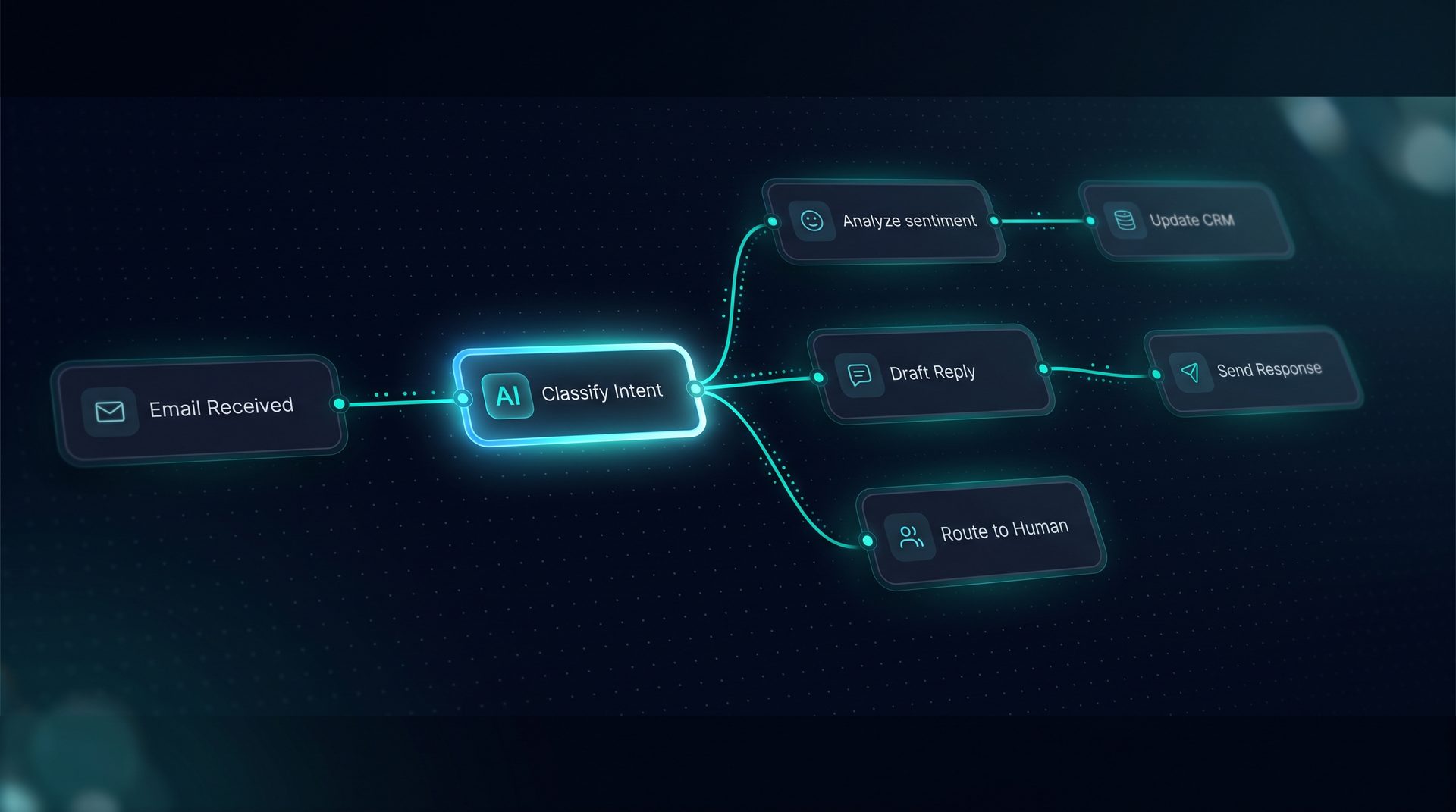
Agent systems on a canvas compile prompts, model calls, tool invocations, and retrieval steps into a run. Each node represents a model call or a transformation, and the canvas shows the compiled prompt in a live panel. When you select an ai model for a node, the platform resolves environment variables and endpoint configuration for that provider.
- Visual nodes represent
model call,classifier,retrieval,tool, andhuman handoff. - Per-node inspector shows model, prompt, token meter, and live output.
The canvas supports multi agent architectures: drag from a Deep Agent subagent handle to any specialist node to build a supervisor workflow with named subagents. This lets teams construct agent systems that delegate tasks to specialist models and tools.
Step-by-step: compare and deploy agent models
- Create a Deep Agent on the canvas and add subagents for specialized tasks.
- Choose an agent models option per subagent: OpenAI, Anthropic, Google, or offline fake model.
- Add tools and knowledge sources, configure retrieval folders, and add Q&A pairs to intercept common queries.
- Open the Playground to run parallel comparisons and watch token meters and span traces.
- Publish to a channel: web widget, Run API, or email trigger once you select the final configuration.
This process demonstrates how an agent platform can minimize lock-in while giving teams direct control of provider selection.
Who should use a provider-agnostic approach
- Product managers evaluating ai model trade-offs across vendors.
- Customer support teams wanting safe, auditable agent systems with human-in-the-loop checks.
- Engineering teams that need predictable token accounting and local offline testing before provisioning API keys.
An agent platform that supports per-subagent model selection allows each role to test the ai model best suited to their use case without changing the workflow architecture.
When to use multi agent strategies
Use multi agent designs when tasks benefit from specialization: one subagent for retrieval and summarization, another for compliance checks, and a lightweight model for simple routing. Multi agent setups reduce hallucinations by limiting a model's scope and delegating heavy LLM calls to appropriate providers.
- Trigger patterns: webhooks, schedules, inbound email.
- Observability: per-step token and latency spans help evaluate provider cost and performance trade-offs.
Example: Evaluating models without vendor lock-in
Imagine a team building a customer support assistant that needs accurate policy citations. On the canvas, create a retrieval node that pulls from embedded vectors and a summarization subagent that uses a high-quality model. Swap the summarization subagent between OpenAI and Anthropic models to compare clarity and citation fidelity. Run the Playground to inspect returned chunks in the search debugger and adjust chunking or Q&A pairs accordingly.
This example shows how an agent platform turns provider comparison into a practical experiment rather than a risky migration.
Integrations, governance, and safety considerations
A production-ready agent platform includes governance controls: per-project PII redaction, blocked terms, and allow/deny lists enforced across agent systems. When choosing agent models, verify they integrate with your observability stack and that the platform exposes per-run spans for latency and token accounting. Use role-scoped API keys and audit logs to track who changed model selection.
- Governance checklist: PII redaction, quota caps, audit logging, network allow/deny lists.
- Observability: export to OpenTelemetry collectors for cost analysis.
Why an offline ai model is useful
An offline fake model enables teams to validate logic, UI components, and connectors without incurring API spend. Use it to test error paths, retries, and SSRF guard behavior on outbound calls. The offline option helps non-technical stakeholders validate the agent systems before enabling production provider keys.
Closing thoughts
Agent models selection is a critical architectural decision for any agent systems project. Using an agent platform that supports multiple ai model providers and an offline testing model reduces vendor risk and accelerates iteration. By comparing models on a single canvas, teams can focus on quality, observability, and governance rather than integration overhead.
Next step: map your workflow, add agents and tools, and run a head-to-head model comparison in a playground to see how different agent models change outputs in real scenarios. Only a small portion of this article referenced specific product features as an example; the rest focused on general guidance for model selection and multi agent design.