Build Your Own Ai Assistant
This guide explains how to build your own ai assistant in practical, technical detail. If you already know the basics of conversational AI, this page dives into the concrete steps: choosing a model, crafting a system prompt, wiring tools and retrieval, structuring knowledge and Q&A, and testing before release. The phrase build your own ai assistant appears throughout so you can track actionable choices and tradeoffs while designing a system tailored to specific use cases.
Why focus on build your own ai assistant specifically
When building an assistant, many decisions change the behavior and reliability of the final system. This page focuses on the mechanics that matter most when building an ai assistant: model capability, prompt architecture, tool integration, knowledge management, and evaluation. It avoids high-level marketing language and gives concrete patterns you can reuse when building an ai assistant for support, research, productivity, or command-and-control tasks.
Choosing the right model
Selecting a model is the first technical choice when building an ai assistant. The model determines the assistant's base capabilities: conversational fluency, reasoning depth, instruction-following, and safety characteristics.
- Understand capability tiers: Larger models tend to show stronger instruction-following and reasoning. Smaller models can be useful for cost-sensitive flows or on-device scenarios for building an ai assistant that handles simple intents.
- Latency and cost tradeoffs: Lower-latency models may be preferred for real-time assistants; higher-capability models can be reserved for complex reasoning calls.
- Fine-tuning vs prompt engineering: For many teams, iterative prompt engineering with a strong system prompt and in-context examples is the fastest way to shape behavior when building an ai assistant. Fine-tuning or parameter-efficient tuning can be used if you need persistent, domain-specific behavior.
Practical model selection checklist
- Define core tasks (e.g., Q&A, task execution, multi-step workflows).
- Match tasks to capability needs (simple retrieval vs multi-step planning).
- Choose primary model for general responses and a secondary lightweight model for deterministic parsing or extraction.
System prompt design and prompt architecture
A clear system prompt is the single most effective lever for shaping assistant behavior when building an ai assistant. Treat the system prompt as the assistant's identity, capabilities, limits, and routing policy.
-
Components of an effective system prompt:
- Role definition: concise description of the assistant's function and tone.
- Capability list: what the assistant can and cannot do.
- Safety and fallback policy: how to respond to unsupported or sensitive requests.
- Tool and memory usage rules: when to call tools and what context to include.
-
Prompt patterns to consider:
- Instruction scaffolding: break multi-step tasks into numbered subtasks that the assistant follows.
- Few-shot examples: include ~2–4 in-context examples for edge behaviors you want to enforce.
- Output schema: require JSON or a delimited structure for calls that will be parsed by downstream tooling.
Note: System prompts can change behavior significantly; test variations across representative user inputs when building an ai assistant.
Wiring tools and external capabilities
Many assistant use cases require connectors to external tools: search, databases, calendars, code execution, or custom APIs. Wiring tools correctly is crucial when building an ai assistant that does more than chat.
-
Tool classification:
- Retrieval tools (document search, vector stores)
- Action tools (APIs that perform side effects: create ticket, send email)
- Execution tools (run code, evaluate expressions)
-
Design rules for tool integration:
- Use explicit tool invocation: require the assistant to return a structured call when it intends to use a tool.
- Maintain minimal context: include only the fields the tool needs to avoid leaking unnecessary user data.
- Validate outputs: verify tool responses before returning them to users.
-
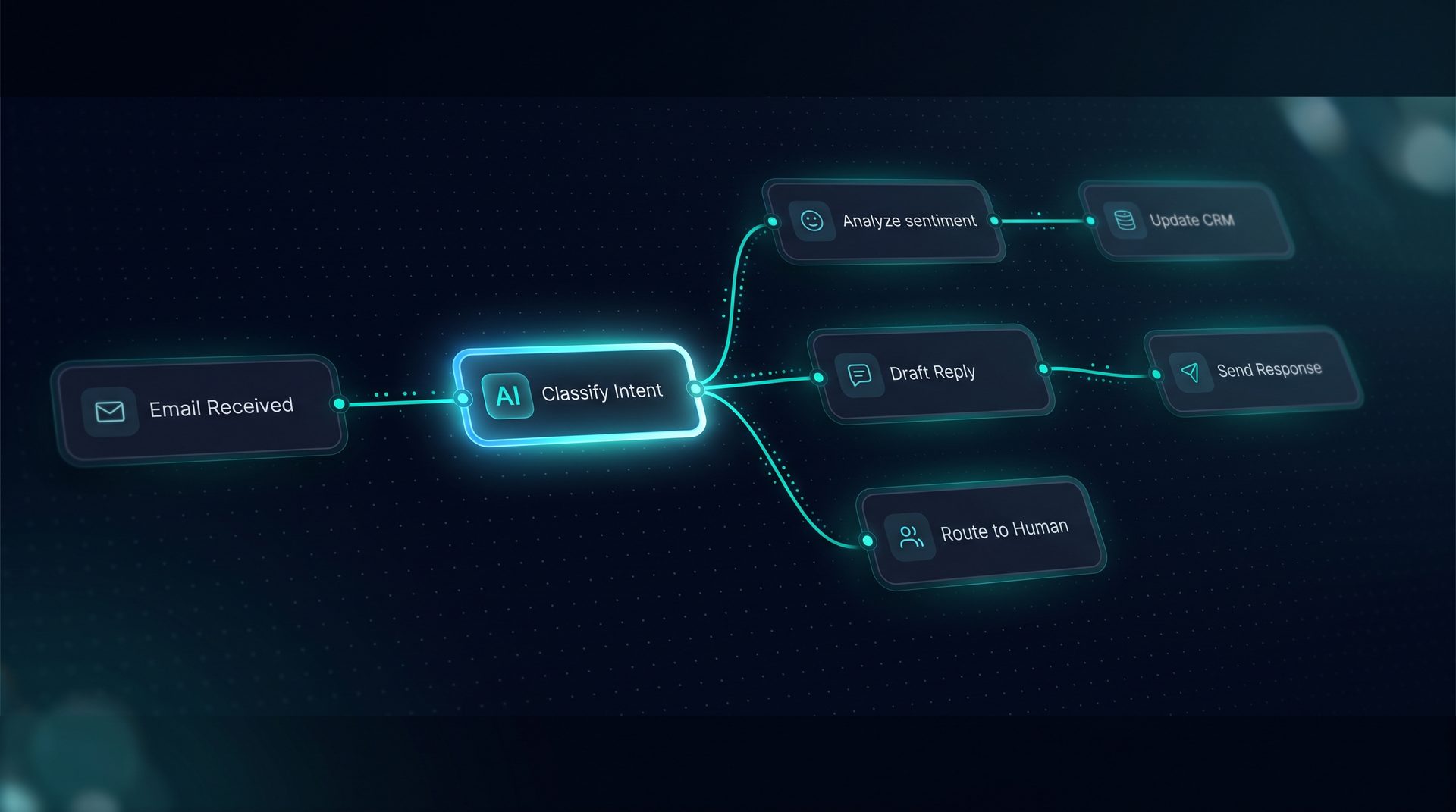
Example flow for a tool call:
- Assistant parses user intent and returns a tool-call structure.
- Runtime executes the tool and returns results.
- Assistant ingests results and presents a human-friendly reply.
When building an ai assistant oriented toward action, ensure the system prompt and runtime agree on call formats and error handling.
Knowledge management and retrieval
A robust knowledge layer separates factual answering from open-ended generation. Use retrieval-augmented generation patterns when building an ai assistant that must answer domain-specific questions.
- Sources of knowledge: internal documentation, knowledge bases, FAQs, product specs, curated web pages.
- Retrieval strategies:
- Sparse retrieval: keyword-based search for short, precise facts.
- Dense retrieval: vector search of embeddings for semantic matches.
- Chunking and embeddings: split long documents into coherent chunks, create embeddings, and store them in a vector index.
- Augmentation pattern:
- Receive user query.
- Retrieve ~several high-similarity passages.
- Construct a context window combining the system prompt, retrieved passages, and user query.
- Issue the model call and synthesize an answer that cites sources.
Citing sources and surfacing provenance helps users trust the assistant and makes debugging easier when building an ai assistant.
Designing Q&A pairs and conversation memory
Structured Q&A pairs are useful for predictable, high-accuracy responses, while short-term memory improves conversational continuity.
- When to prefer Q&A pairs: frequently asked, factual questions where deterministic answers are required.
- Memory policies:
- Short-term context: keep the last few turns for immediate coherence.
- Long-term memory: store distilled user preferences as small key-value facts if permitted by privacy policies.
Design a compact memory schema and a retrieval mechanism to rehydrate relevant facts into the system prompt only when needed. This reduces prompt bloat while preserving personalization when building an ai assistant.
Testing strategies before release
Thorough testing reduces surprising behavior and safety incidents. Prioritize these checks when building an ai assistant:
- Functional tests: representative queries for each core capability.
- Edge-case tests: ambiguous, adversarial, or out-of-domain inputs.
- Tool integration tests: simulate failures and slow responses.
- Regression tests: ensure prompt changes do not break existing behaviors.
Use automated test suites alongside manual exploration. Record transcripts and categorize failures so improvements are focused and measurable.
Tradeoffs and operational concerns
Every design choice has tradeoffs when building an ai assistant:
- Complexity vs reliability: adding more tools and memory improves capability but increases failure modes.
- Latency vs completeness: richer retrieval and reasoning steps may increase response times.
- Cost vs capability: higher-capability model calls are more expensive; plan hybrid architectures when needed.
Important to know: performance, privacy, and behavior can vary by deployment and model choice. Results may change as models or data change, so plan for ongoing monitoring and iteration rather than a one-time launch.
Conclusion: practical next steps
To begin building an ai assistant, start by defining the assistant's primary tasks, pick a model tier aligned to those tasks, write a focused system prompt, and design explicit tool-call schemas. Implement a retrieval layer for domain knowledge and build an automated testing workflow. Iterate on prompts and integration points until the assistant behaves reliably for target users. When building an ai assistant, expect to refine prompts, retrieval, and tool wiring over multiple cycles.
Key reminders when building an ai assistant:
- Keep the system prompt explicit and version-controlled.
- Design tool calls as structured outputs that the runtime can execute safely.
- Use retrieval for factual answers and Q&A pairs for high-frequency queries.
- Test broadly, monitor in production, and plan for incremental improvements.
This material focuses narrowly on the practical mechanics of building an assistant; other pages in the guide cover related topics such as architecting multi-agent systems, privacy considerations, and no-code visual builders for people who prefer a GUI when building an ai assistant.