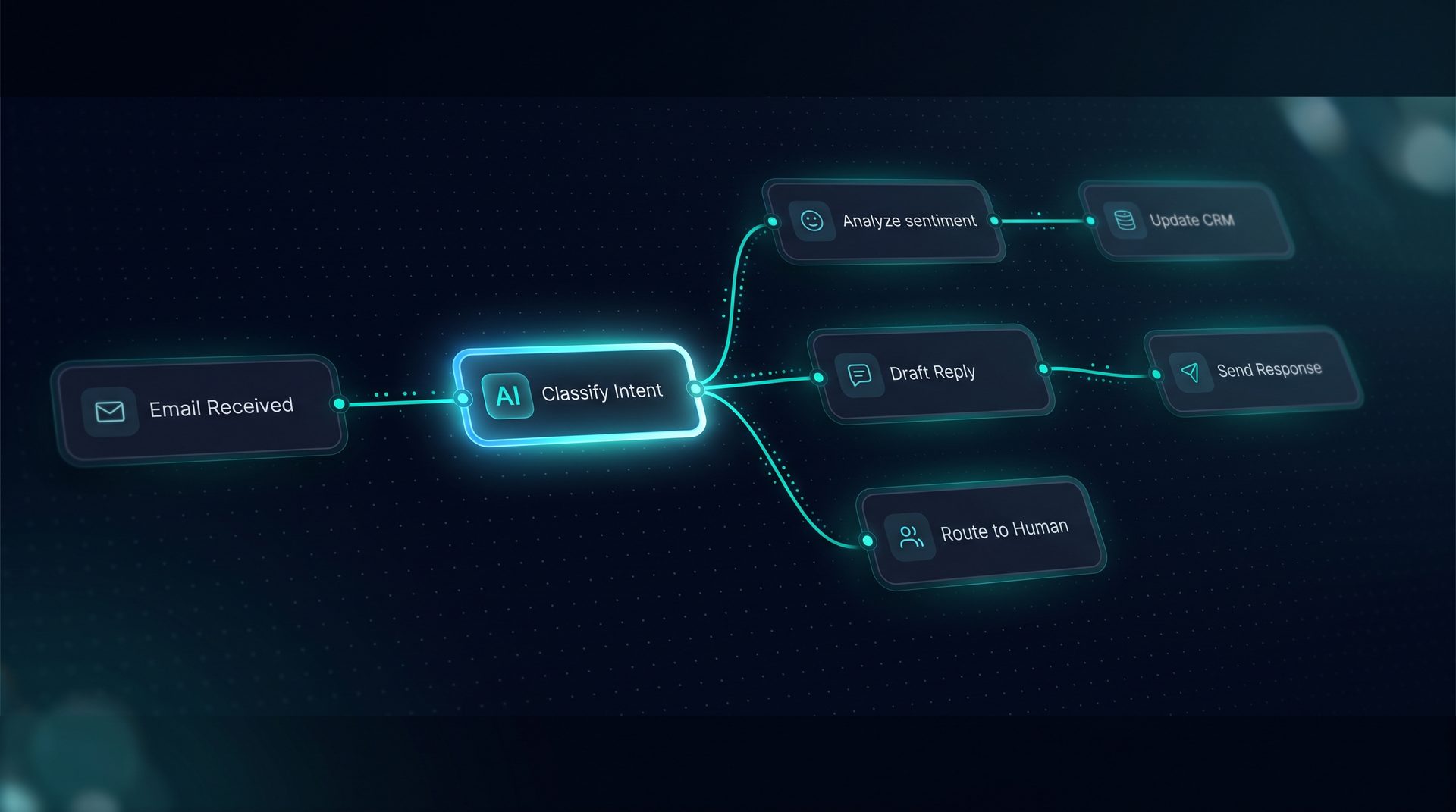
ai app generator Vs Visual Builder: What Each One Is Actually Good At
If you already understand the basics of no-code AI platforms, this deep dive compares the ai app generator approach with the visual builder route so you can choose the right workflow for specific project needs. The phrase ai app generator appears throughout to ground the discussion: that term describes systems that translate brief inputs into runnable app scaffolds using automated pipelines rather than requiring manual interface wiring.
How an ai app generator Works: Mechanisms and Outputs
An ai app generator typically ingests structured prompts — for example a product brief, a simple dataset, and a list of desired features — and produces a packaged app skeleton. Mechanisms it uses include natural language parsing, template selection, and automated code or configuration synthesis. Typical outputs are:
- Generated UI screens and navigation flows assembled from design components
- Data model suggestions and schema mappings
- Prebuilt integrations or API connectors wired based on common patterns
- Example content and default business logic wired into event handlers
Because an ai app generator emphasizes automation, it is tuned to accelerate the first working prototype. That speed comes from pattern matching and reusing prior templates rather than exhaustive custom design.
Internal tradeoffs inside generation
- Speed vs completeness: The generator can produce a functional prototype quickly but may omit nuanced edge-case logic.
- Opacity vs convenience: Generated wiring is convenient but can be harder to audit, which affects governance and maintainability.
- Assumptions vs specificity: Generators often assume defaults for authentication, data validation, and error handling that may not match a target environment.
Important to know: Outputs from an ai app generator may be useful as a starting point, but they can require manual refinement to meet governance, security, or compliance needs.
What a Visual Builder Provides Differently
A visual builder exposes a canvas where creators assemble screens, data models, and logic with explicit controls like drag-and-drop components and explicit property panels. Instead of producing a scaffold automatically, the visual builder hands more of the design and wiring decisions to the user.
Key strengths of a visual builder:
- Predictability: Every connection is explicit and visible, which simplifies debugging and governance.
- Granular customization: The creator controls each property and behavior, avoiding surprising defaults.
- Iterative design: Visual editors encourage incremental refinement and testing at each step.
However, visual builders require more manual effort to produce a working prototype than an ai app generator. For teams that prioritize explicit control and traceability, this extra effort is often worthwhile.
Comparing Workflows: creating an app with ai Using Each Route
When creating an app with ai, there are three practical workflow archetypes:
- Generator-first: Use an ai app generator to produce a baseline prototype, then refine it in a visual builder to satisfy governance and custom behavior.
- Builder-first with AI assistance: Start in a visual builder and use AI-assisted suggestions for components, sample data, or logic snippets as you design.
- Hybrid iterative: Alternate between generation and visual refinement multiple times, treating the ai app generator as a rapid ideation tool and the visual builder as the stabilization environment.
Choosing between these depends on project priorities like time-to-prototype, regulatory requirements, and team skill levels.
Example decision criteria
- If the goal is to validate a concept quickly, an ai app generator yields the fastest path to a clickable demo.
- If strict audit trails and fine-grained access control matter, a visual builder helps produce a traceable implementation.
- If the project will need ongoing feature evolution, start with a generator only if there is capacity to refactor generated parts later.
Where Generators Excel And Where They Fall Short
Strengths of the ai app generator approach:
- Rapid prototyping from natural language or simple forms
- Useful default wiring for common patterns like CRUD, authentication, and search
- Lower entry barrier for users who want to build ai powered app experiences without deep technical knowledge
Limitations to be aware of:
- Governance gaps: Generated code or config can hide assumptions about data handling and permissions
- Edge-case logic: Complex business rules often need manual rework after generation
- Integration specifics: Nonstandard APIs or uncommon services frequently require manual connector development
Practical Tips For Using an ai app generator Effectively
- Start with a focused brief: Narrow, explicit instructions yield cleaner generated results when create app with ai tools.
- Inspect generated models: Review data schemas and defaults before populating production data.
- Treat generation as scaffolding: Plan to refine authentication, validation, and error handling in a visual builder or code editor.
- Maintain a governance checklist: Confirm logging, role-based access, and data retention policies early.
These steps reduce rework and make it easier to move a generator output into a production-ready state.
How Visual Builders Handle AI-Powered Components
Many visual builders support ai powered app features by exposing components that call AI services or embed model inference. In a visual builder, you configure prompts, map inputs and outputs, and control when inference runs. The visual approach keeps the mapping explicit:
- Prompt pipelines are visible and editable
- Data transformations are applied in clear stages
- Error handling and fallback logic are straightforward to attach
This explicitness makes it easier to meet audit requirements for sensitive applications.
Tradeoffs: Speed, Control, and Maintainability
- Speed: ai app generator is generally faster to produce a prototype.
- Control: Visual builder offers more visible control and lower risk of hidden assumptions.
- Maintainability: Generated artifacts can accelerate initial development but may increase maintenance cost if not refactored; visual builder constructions tend to be more maintainable when designed with governance in mind.
Deciding which tradeoff to accept depends on the project scope, team structure, and regulatory constraints.
Edge Cases And When To Prefer One Over The Other
Prefer an ai app generator when:
- The goal is to validate UI/UX or core concept quickly
- The app uses standard patterns and third-party services
- The team needs a fast demo for stakeholder alignment
Prefer a visual builder when:
- Compliance, auditing, or strict data governance are central
- Business logic is complex and requires precise, testable rules
- Long-term maintainability and explicit documentation are priorities
Conclusion
An ai app generator and a visual builder are complementary approaches for creating an ai powered app. The ai app generator accelerates early-stage ideation and prototype creation, while the visual builder provides the transparency, control, and governance needed for production readiness. When creating an app with ai, many teams benefit most from a hybrid workflow that leverages the generator for speed and the visual builder for refinement and compliance. Remember that generated outputs may require review and manual updates to meet security, privacy, or operational requirements — these outcomes can vary by project and context.
Notes On Expectations
- Results from an ai app generator can vary and may require manual changes to reach production quality. Always validate generated logic, data handling, and access control before deploying.